Default Search View
The RedEyeDMS web Search page has several different views so you can access your artefacts in the way you prefer. You can also customise your default search view to your preference so that you are viewing the same information every time you login to help with productivity.
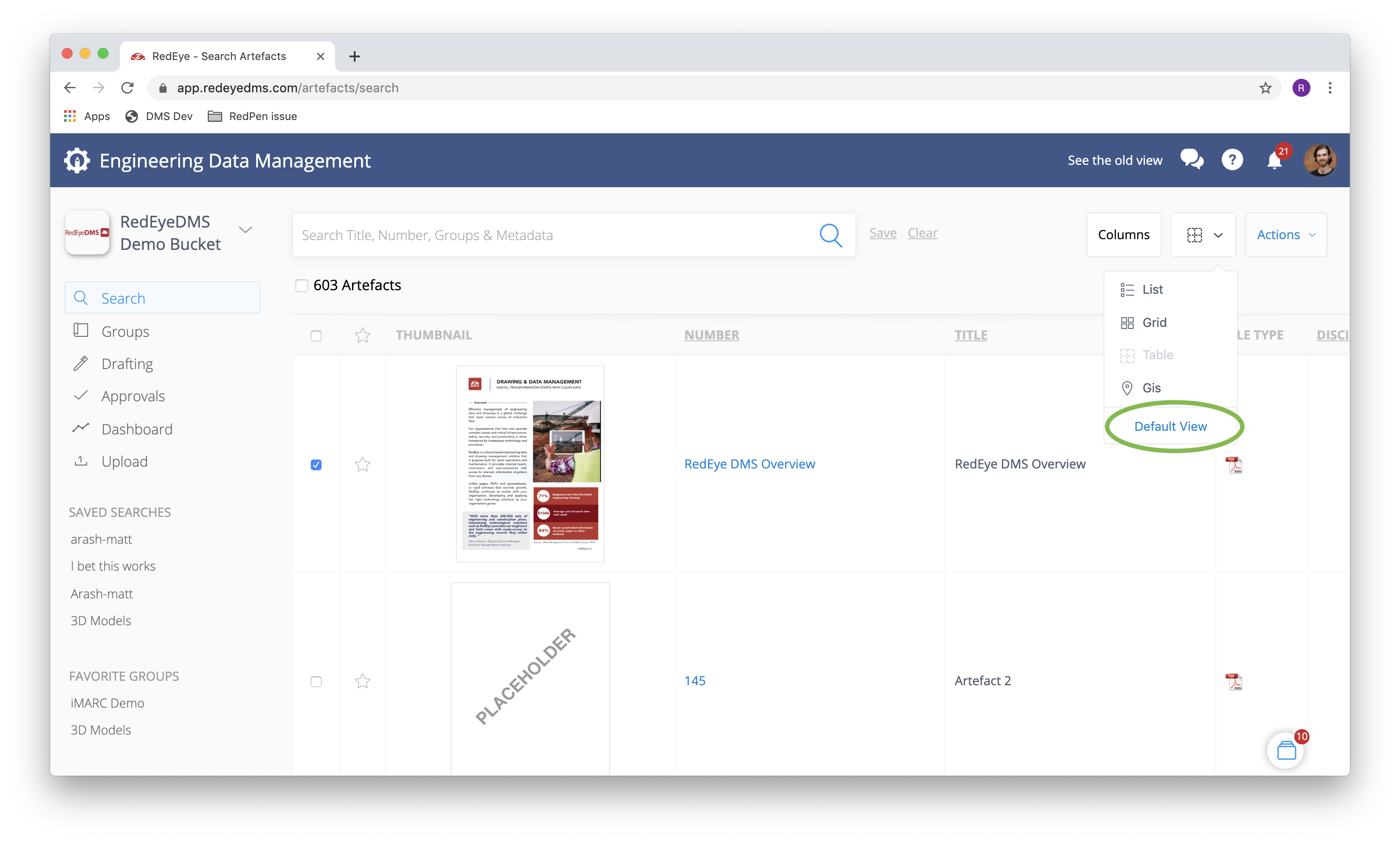
In the search view drop down menu, on the bottom, click on the Default View button.
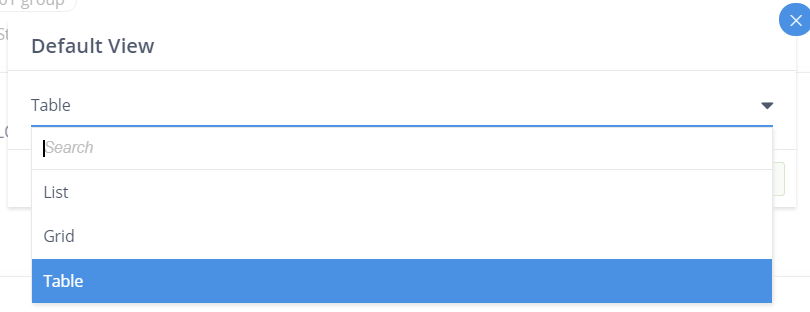
In the pop-up window, you can set between list, grid and table view.
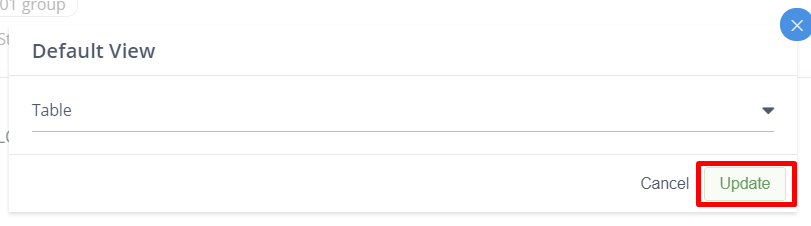
Once you’ve selected your preferred default view, click Update to save your setting.